About ExaMap
Jan 2023 - April 2023
The current exammination procedures for authenticating, verifying, and tracking students and their identities, such as
attendance, check-in, check-out processes, and collection of their exam-solution booklets, is a non-digital process done using physical paper assets.
These attributes are not mapped on a per-student identity level. It is a repetitive process to fill in student data manually on
paper in examination booklets and check-in sheets.
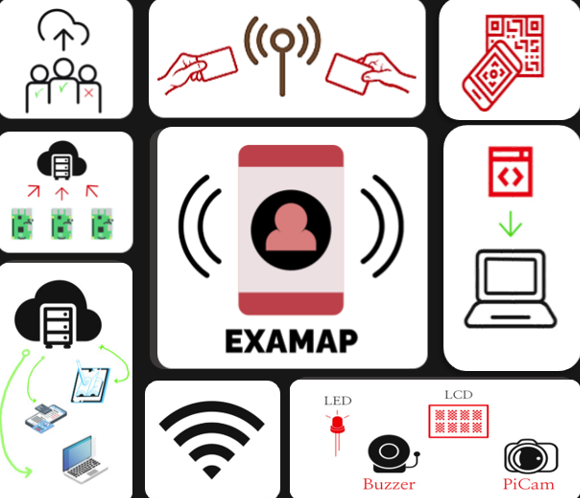
ExaMap is a digital exam-audit platform that offers an RFID-based check-in and attendance solution along with QR-code-based unique IDs
for examination solution booklets to digitize and increase the efficiency and integrity of these processes.
This can significantly benefit academic and educational institutions and organizations by allowing them to secure information as well
as streamline their administrative processes which are generating and processing data associated with their examinations
Goals
Features
Hardware Design
Software Design
- Improve exam integrity by creating a secure and auditable exam environment.
- Automate and digitize the exam attendance and monitoring process.
- Provide support to examiners and proctors to streamline exam administration.
- Autonomously navigating the environment to deliver services where needed and adapting to various exam room layouts and conditions.
- Scale to support examinations with hundreds of students across multiple rooms, providing a consistent and reliable service regardless of exam size.
- Digital Organization of Exam Attendance
The system will create an electronic database to track each student's attendance status during an exam session. This data is presented on a clear, user-friendly dashboard for examiners and administrators to monitor in real-time. - Tap-based Check-in Check-out Process
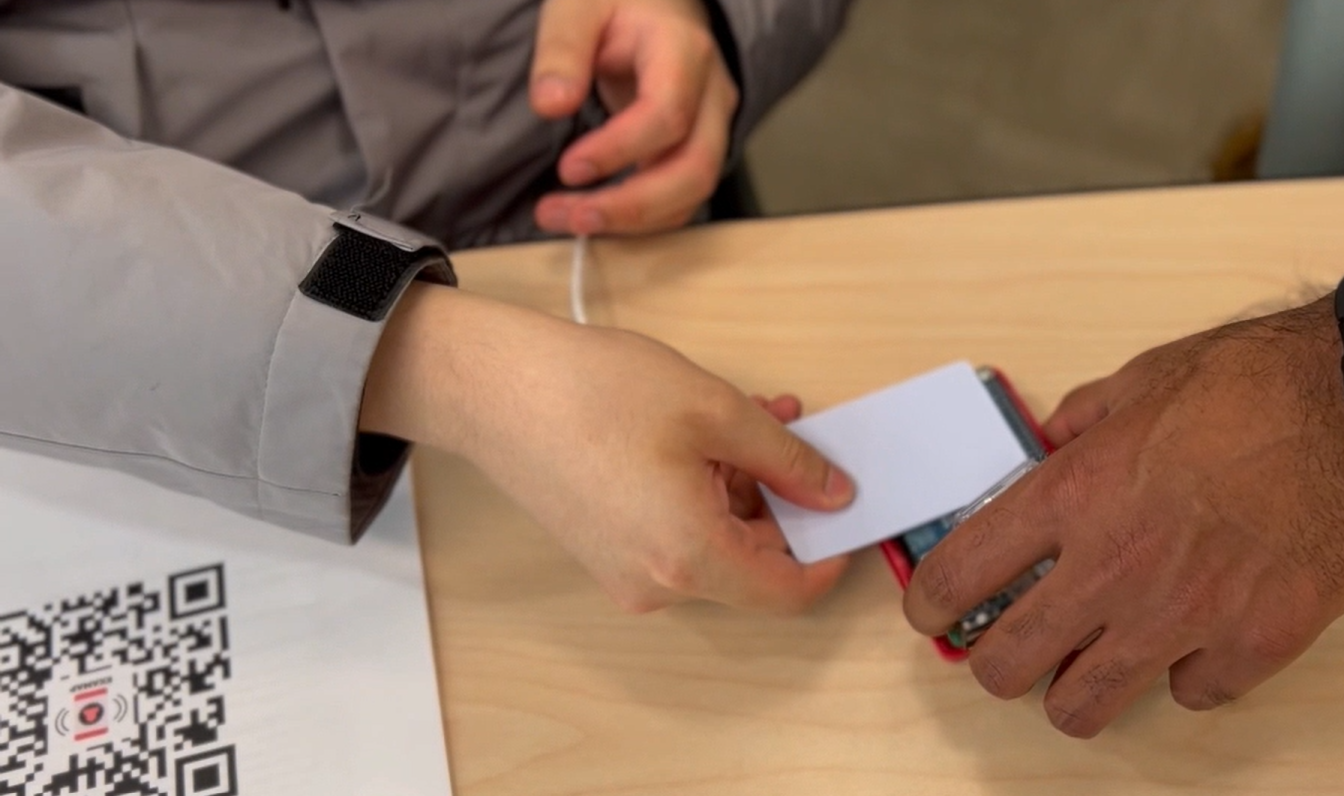
Students can quickly check in and out of the exam by tapping their university RFID identification cards on the system's NFC readers, instantly updating their attendance status. - Information Security of Exam Materials
All exam-related data, including attendance, logs, and booklet IDs, is securely stored in the cloud using Google Firebase. This digital backup prevents the risks of lost or misrepresented information associated with paper records, as all interactions are digitally tracked and saved. - Reduced Procedural Time
The system minimizes the time and effort required for manual tasks, such as recording attendance and managing exam booklets. Examiners and teaching assistants benefit from faster and more efficient record-keeping, reducing administrative workload. - Unique-ID Mapping of Solution Booklets:
The system assigns unique QR codes to each exam booklet. During check-in, it scans the booklet's QR code and links it to the student's exam record, ensuring accurate tracking of exam materials.
- RFID/NFC Reader
- • Used for tapping ID cards to record attendance.
- • Used for tapping ID cards and being granted access exam room
- 3 Raspberry Pis
- • Acts as the main control unit in each subsystem, running hardware, handling point of sale UI and data collection, and hosting the website.
- QR Code Scanner (PiCam)
- • Scans QR codes on solution booklets to link them with student records
- Display & Feedback Components
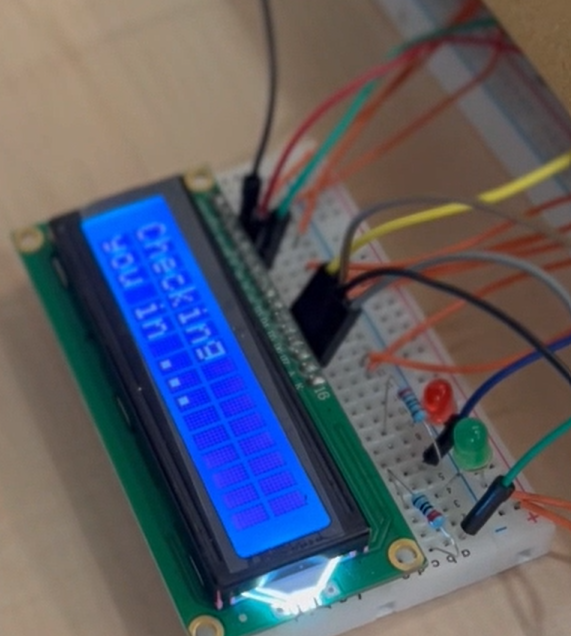
- • LEDs and LCD Screen: Provide visual feedback for successful attendance or error notifications.
- • Buzzer: Gives auditory feedback for user interactions (used in certain subsystems).
- Attendance Tracking
- • Manages student check-in and check-out using RFID cards, recording attendance data in real-time.
- Solution Booklet Mapping
- • Links each student's solution booklet with their attendance record by scanning a unique QR code.
- Administrative Dashboard
- • Provides a User Interface to control Pi Camera and NFC sensor to allow invigilatiors take attendance of students one by one
- • Provides a web-based dashboard for administrators to view attendance and exam records, including real-time updates.
- Cloud Storage with Google Firebase
- • Stores all exam data securely, allowing administrators to access and review data as needed.
- Communication Protocols
- • Uses Wi-Fi and internet protocols for data transfer between subsystems and the Firebase database.
How it works
ExaMap is a digital exam-audit platform designed to streamline attendance and booklet tracking during examinations. Using RFID-based check-ins and QR code mapping, ExaMap provides a secure, efficient solution for tracking each student's attendance and linking solution booklets to their records. The platform operates across three subsystems: Access Control, PoS (Point of Sale), and an Administrative Dashboard. Together, these subsystems ensure a structured, auditable, and user-friendly examination process, reducing manual effort and enhancing data accuracy and security. Moreover, the data collected is securely stored on cloud database to ensure backups and real-time access for the administrative website. Here's how each sub-system functions:
1. Access Control Sub-system
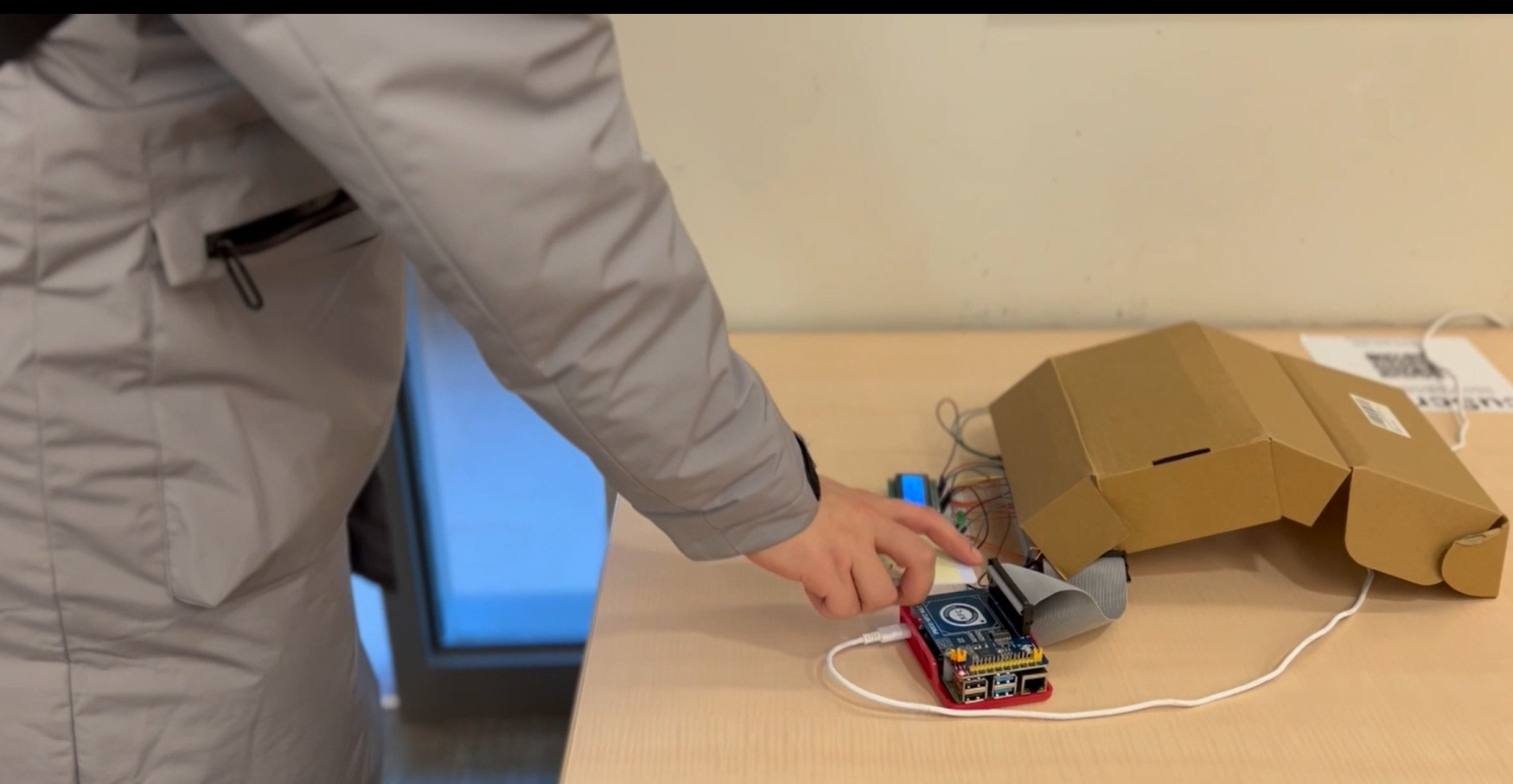
This sub-system is the entry point of the ExaMap system, dedicated to managing and securing student entry and exit during exams. Using RFID technology, this subsystem allows students to tap their ID cards on an NFC reader to verify their attendance and register their entry and exit times. Visual and auditory feedback is provided through LEDs and buzzers, ensuring students know their check-in status immediately. This data is transmitted to the cloud, where it is stored and made accessible for tracking and auditing.
2. PoS (Point of Sale) Sub-system
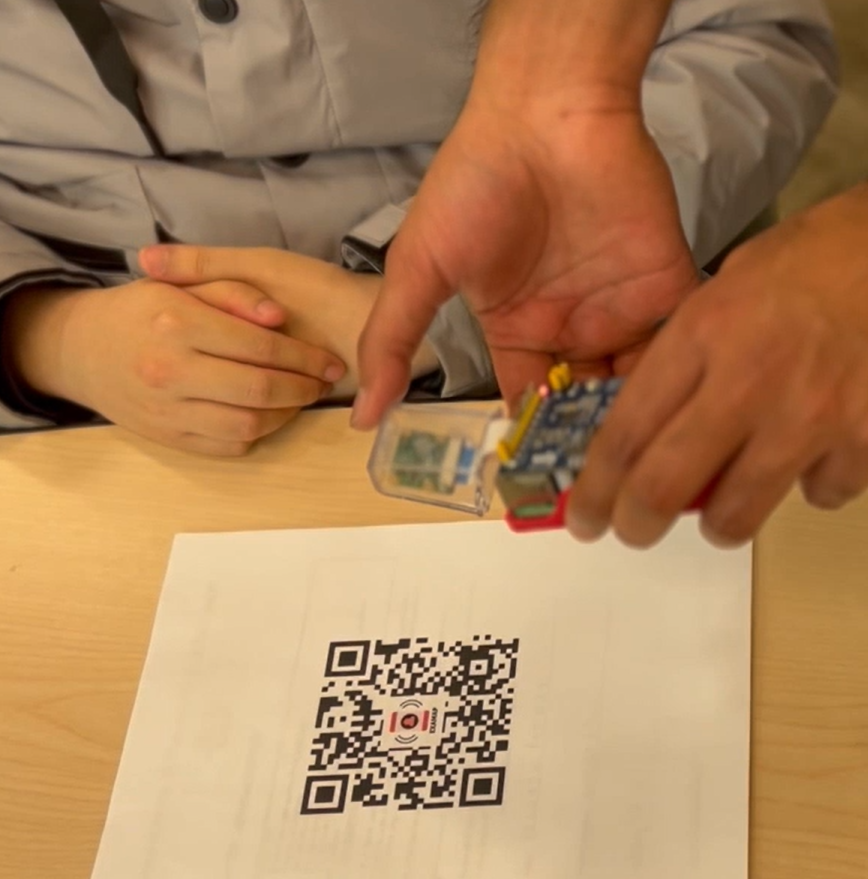
This sub-system serves as a handheld tool for exam proctors with an onboard UI, facilitating quick and accurate attendance recording during the exam. Through a tap-based RFID check-in, the PoS Subsystem verifies each student's attendance and associates their unique ID with the exam session. Additionally, it uses an onboard Pi-Camera to scan QR codes on solution booklets, mapping each booklet to the corresponding student's record. This functionality reduces manual effort and ensures precise and digital tracking of exam materials.
3. Administrative Sub-system
This sub-system provides a web-based dashboard for exam administrators to manage and oversee all examination data in real-time. It aggregates information from the Access Control and PoS subsystems, giving a comprehensive view of student attendance, exam status, and booklet tracking. Hosted on the cloud, the dashboard allows administrators to monitor each exam session, review attendance records, and generate reports securely. This subsystem offers a high level of visibility and control, helping administrators streamline examination processes and maintain data integrity.
My Role
Sensor Systems Engineer and Web Developer
Co-developed a full NFC-based examination identity platform system that provides a suite of digital data integrity solutions for school examinations:
- • Designed and Implemented Core Functionality: Developed the RFID-based attendance tracking system, enabling seamless student check-in/check-out and linking attendance data to cloud-based databases.
- • Built Solution Booklet Mapping Feature: Integrated QR code scanning functionality to associate each student's solution booklet with their exam records, ensuring secure and accurate tracking.
- • Developed User-Friendly Interface: Designed and deployed an intuitive web-based GUI using python, deployed using Flask for the PoS system to control the NFC sensor and PiCamera, facilitating proctors in managing attendance and booklet mapping efficiently.
- • Optimized Real-Time Data Synchronization: Ensured smooth communication between the PoS system and Google Firebase, allowing real-time updates and accurate data storage.
- • Conducted Testing and Debugging: Performed rigorous unit and integration testing to ensure system reliability, including hardware-software interactions with NFC readers and cameras.
- • This system was developed with Python, JavaScript, CSS.